For 1990-2009 cars only
System Controls for Cadillac CTS 2004
Base Audio System
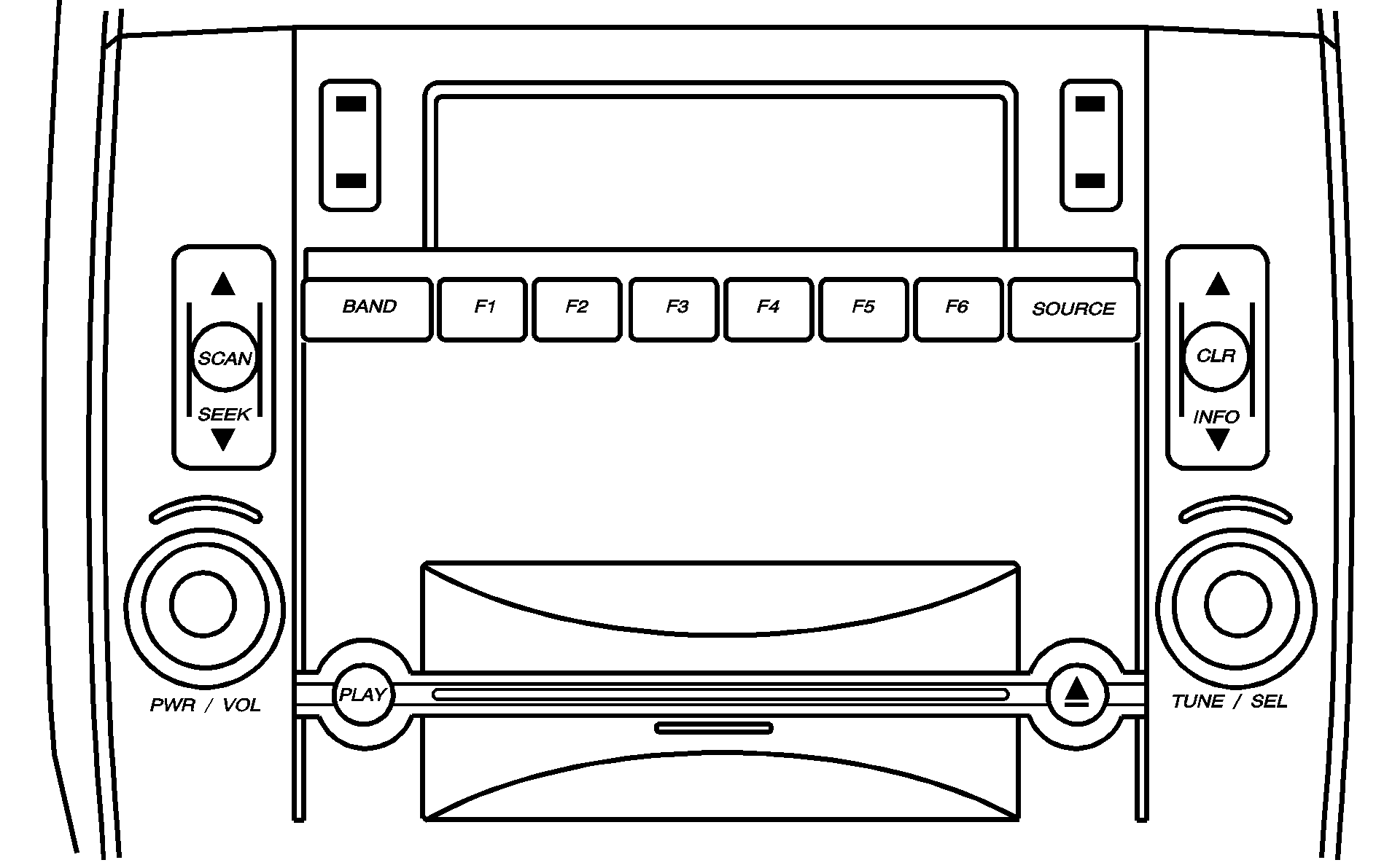
If you have the Base audio system, use the following to operate the DIC:
INFO (Information): Use the up or down arrows on this switch to scroll through the system status information.CLR (Clear): Press this button to clear DIC messages and to reset DIC items to zero. This button is also used to exit out of a menu. See DIC Warnings and Messages and Status of Vehicle Systems for more information.
TUNE/SEL (Select) Knob: Once a menu is displayed, use the knob located to the lower right of the display to scroll through the menu items and/or select them. To scroll through the menu items, turn the knob. Once an item is highlighted, press the knob once to select it.
Navigation/Audio System
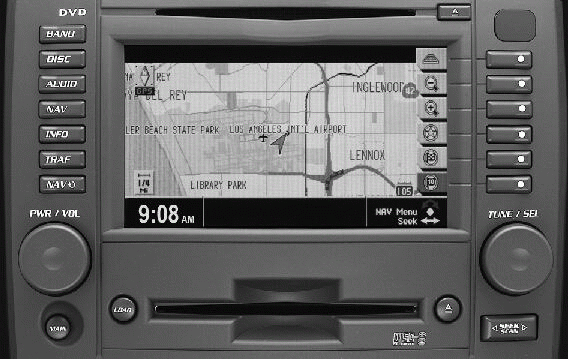
If you have the Navigation system, use the following to operate the DIC:
INFO (Information): Use this button to access the Vehicle Information menu that provides the status of various vehicle systems. See "Vehicle Information Menu (Navigation System)" under Status of Vehicle Systems .TUNE/SEL (Select) Knob: See the information listed previously on this knob. It is equivalent to the TUNE/SEL knob on the Base audio system and is located in the same place.
Press the button with the circle on it when it is next to a menu item or a prompt on the right side of the display to select the menu item or acknowledge the prompt. See "Status Menu Item Descriptions" under Status of Vehicle Systems .
