For 1990-2009 cars only
Weather for Cadillac CTS 2009
Press the INFO key, then press the INFO key repeatedly until the Weather screen button is selected or touch the Weather screen button.
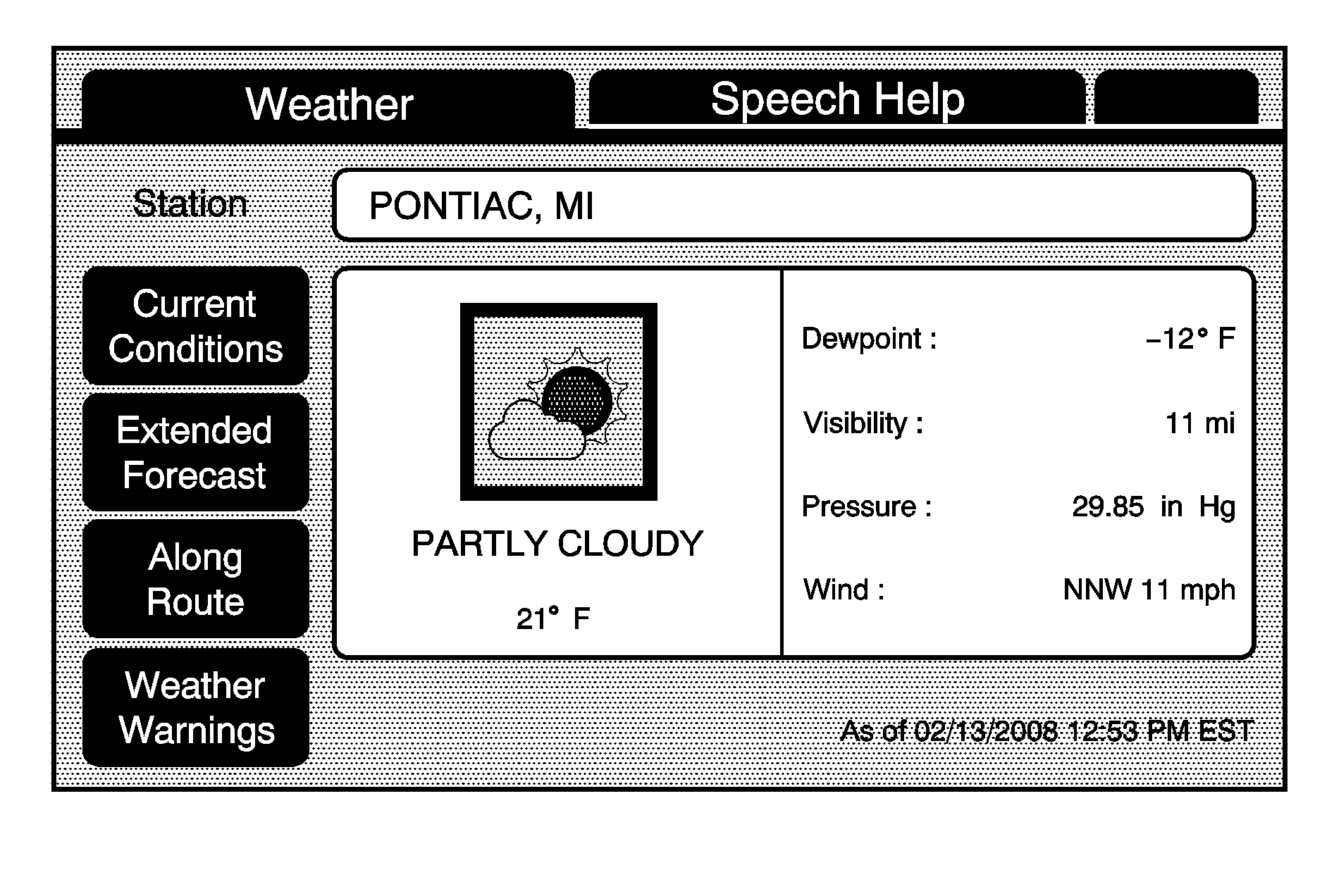
Current Condition: Touch to view the current weather condition for the city of the vehicle's current position.
Extended Forecast: Touch to view the current condition with a two day forecast for the city of the vehicle's current position.
Along Route: Touch to view the weather condition's of the current route. The vehicle must be driving on a route for this feature to operate.
Weather Warnings: Touch to view any weather warnings of the current vehicle position and the areas within the vehicle's proximity. A subscription of the XM™ Satellite Radio Service is necessary for getting the up-to-date weather warnings. A service fee is required in order to receive the XM™ service. For more information, contact XM™; in the U.S. at xmradio.com or call 1-800-852-XMXM (9696) or in Canada at xmradio.ca or call 1-877-GET-XMSR (438-9677).
