For 1990-2009 cars only
Navigation Data Processor Replacement for Cadillac SRX 2009
Removal Procedure
- Remove the left rear body side trim panel. Refer to Body Side Rear Trim Panel Replacement.
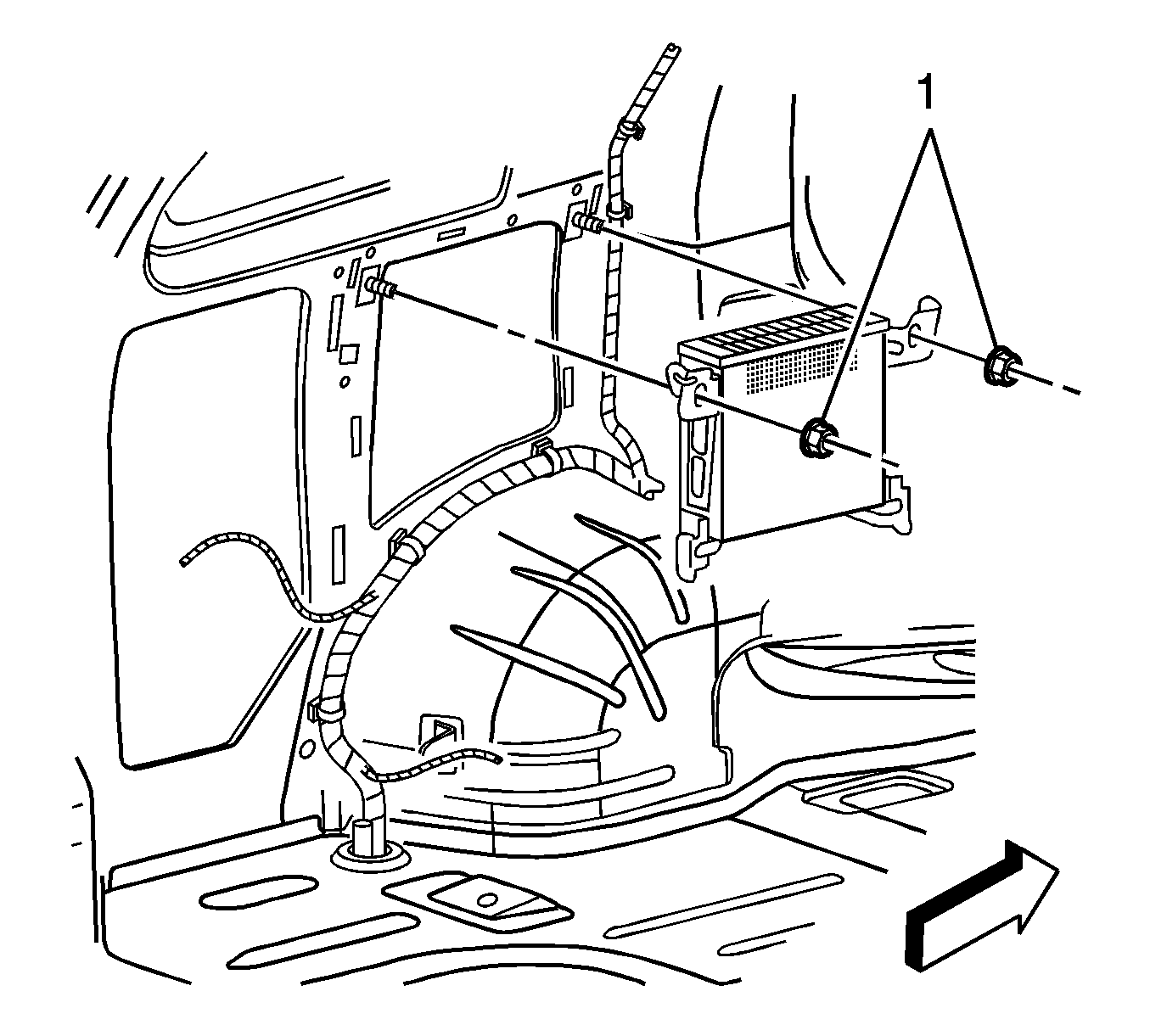
- Remove the nuts (1) securing the processor to the vehicle.
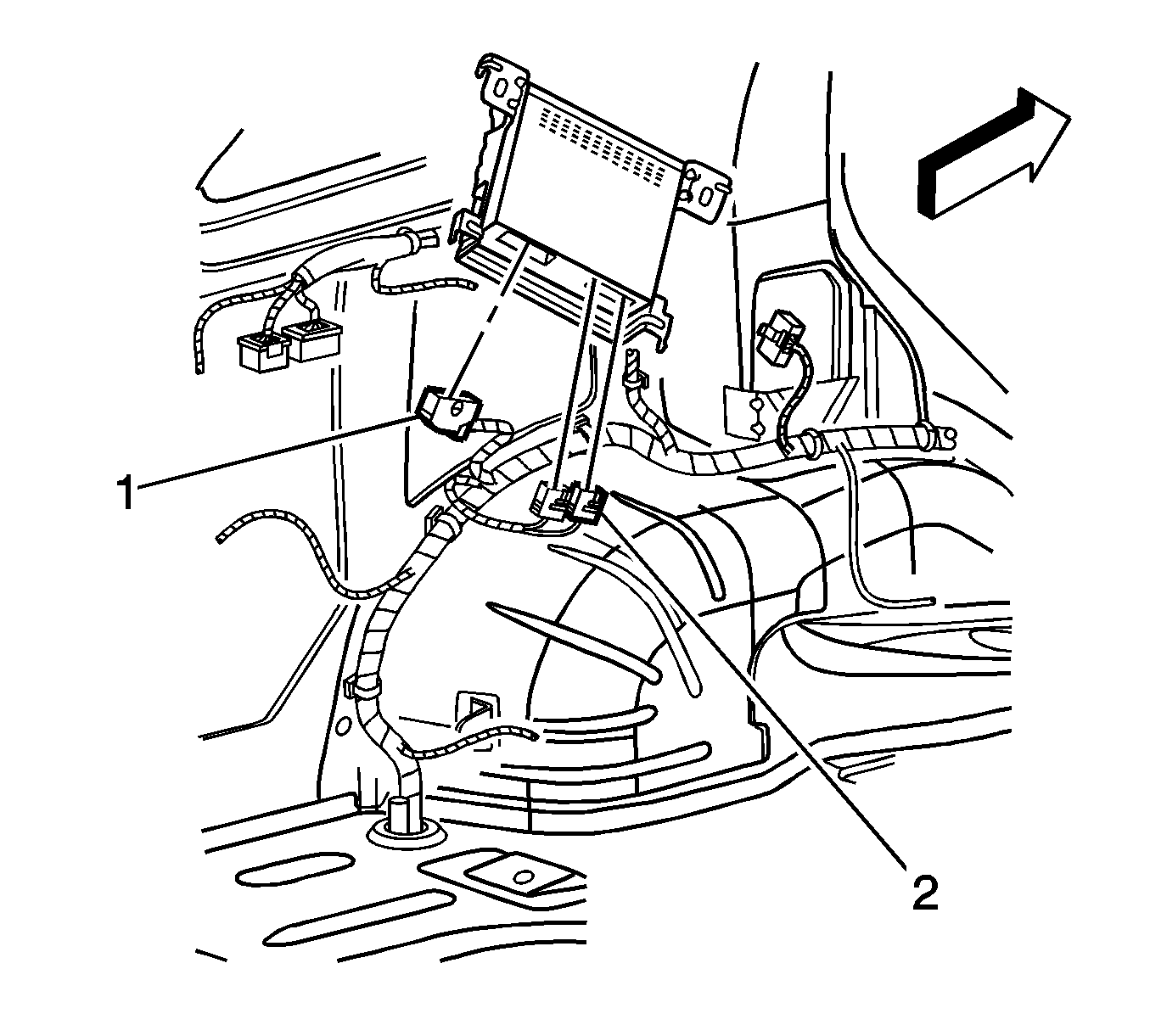
- Disconnect the electrical connectors (1, 2)
- Remove the processor.
Installation Procedure
- Connect the electrical connectors (1, 2)
- Locate the processor the vehicle.
- Install the nuts (1) securing the processor to the vehicle.
- Install the left rear body side trim panel. Refer to Body Side Rear Trim Panel Replacement.
Caution: Refer to Fastener Caution in the Preface section.
Tighten
Tighten the nuts to 9 N·m (80 lb in).
