For 1990-2009 cars only
Driver Information Display Switch Replacement for Cadillac Seville - RHD 2001
Removal Procedure
Caution: Refer to SIR Handling Caution in the Preface section.
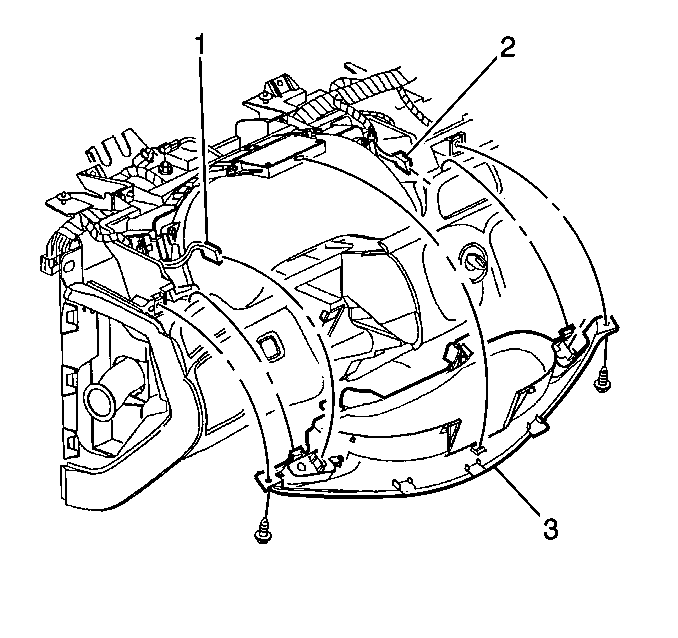
- Remove the instrument cluster trim panel (3). Refer to Instrument Cluster Trim Panel Replacement .
- Disconnect the left and the right driver information center switch electrical connectors (1, 2).
- Remove the fasteners from the switch being serviced.
Installation Procedure
- Align the switch that was removed with the instrument cluster trim panel (3) and install the fasteners.
- Connect the two electrical connectors to the driver information center switches (1, 2).
- Install the instrument cluster trim panel. Refer to Instrument Cluster Trim Panel Replacement .
