For 1990-2009 cars only
Multifunction Alarm Module Replacement for Chevrolet Astro - 4WD 1999
Removal Procedure
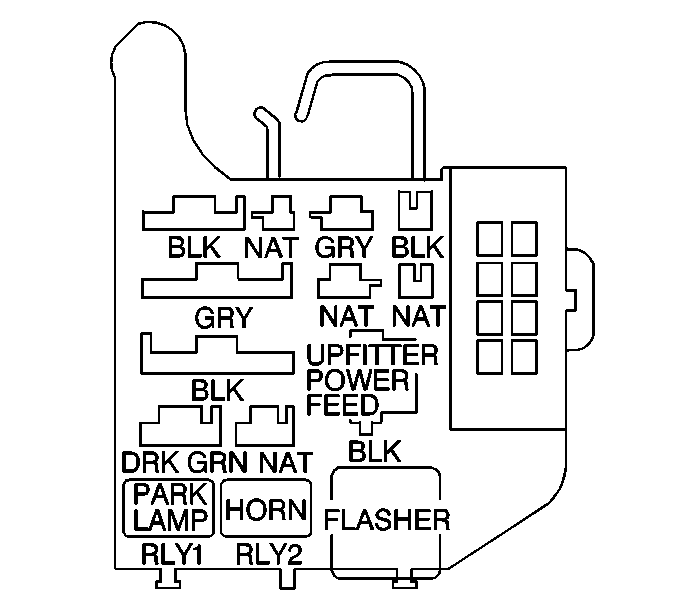
- Remove the multifunction alarm assembly from the convenience center located under the left side of the instrument panel.
- Release the single tab connector on the top of the assembly.
- Pull out the single tab connector.
Installation Procedure
- Install the multifunction alarm assembly to the convenience center.
- Align the retaining tab.
- Press the tab in place
