Brake Rotor Lateral Runout Check for Chevrolet Chevy P12 Chassis 1999
Tools Required
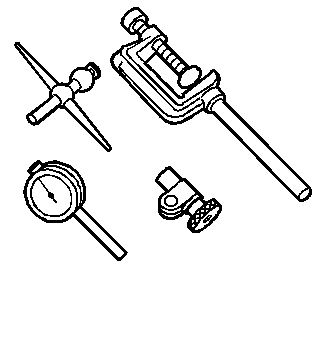
J 8001 Dial Indicator Set
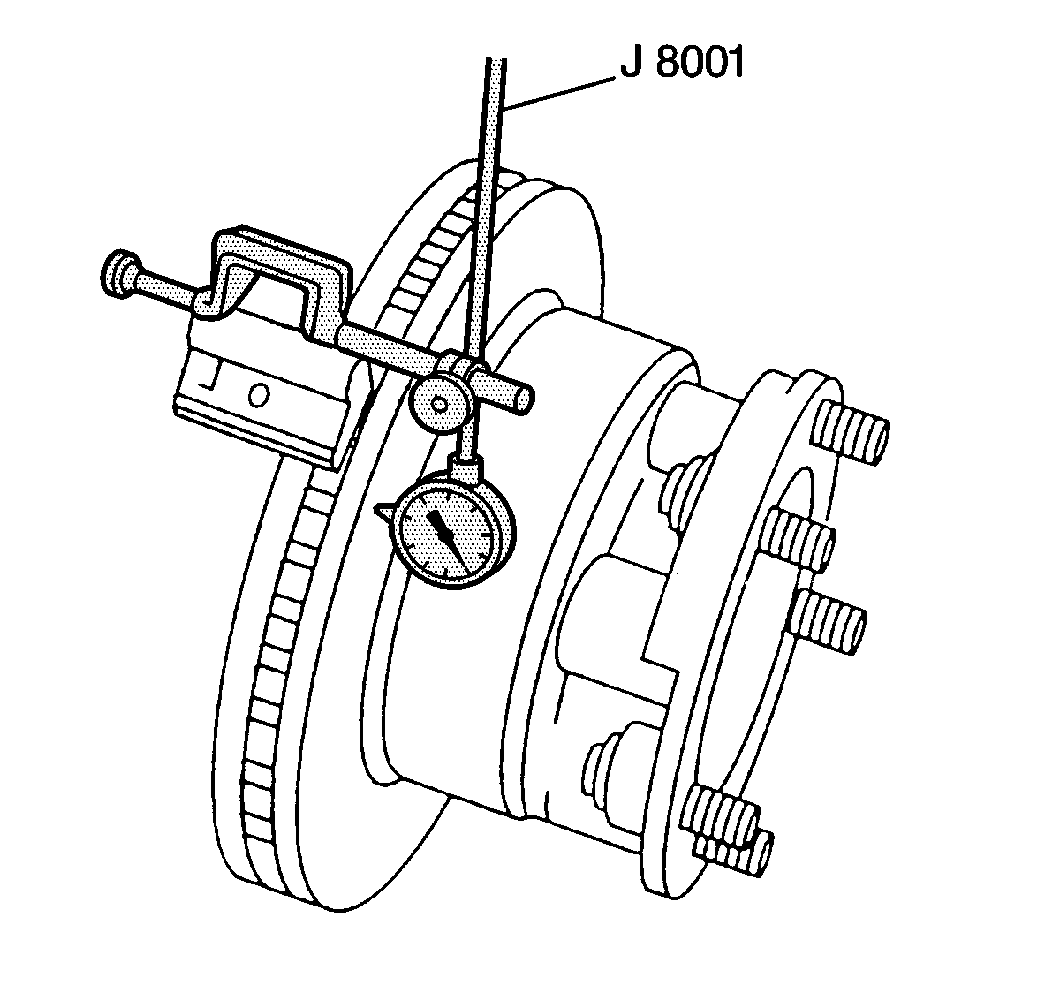
Check the lateral runout with the wheels still installed on the vehicle. This gives a much more accurate reading of the Total Indicated Runout (TIR) under real braking conditions. If equipment is not available to perform the measurement with the wheels installed, measure with the wheels removed but with the brake caliper still installed.
In some cases, excessive lateral runout can be improved by indexing the brake rotor on the hub that is one or two bolt positions from the original position. If you cannot correct the lateral runout by indexing the brake rotor, check the hub and bearing assembly for excessive lateral runout or looseness. If the hub and bearing assembly lateral runout exceeds 0.040 mm (0.0016 in), replace the hub and/or bearing assembly as necessary. If the brake rotor's lateral runout is not within specifications, refinish or replace the rotor as necessary.
Measurement Procedure
- Set the parking brake.
- Block the vehicle wheels.
- Raise the vehicle. Refer to Lifting and Jacking the Vehicle in General Information.
- Support the vehicle with safety stands.
- Remove the tires and wheels. Refer to Tire and Wheel Removal and Installation in Tires and Wheels.
- Clean the brake rotor surface.
- Tighten the wheel bearings to zero end play.
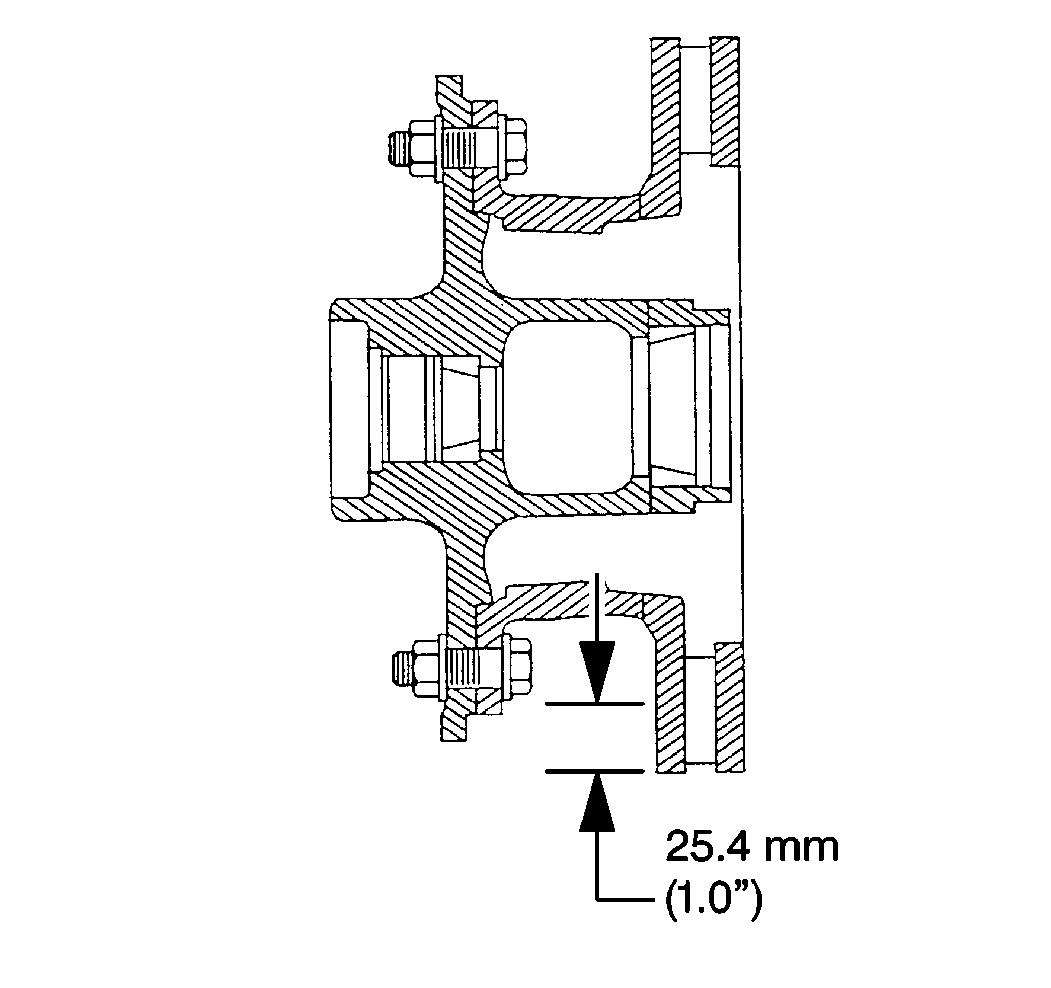
- Fasten a dial indicator to the steering knuckle so that the indicator button contacts the brake rotor surface about 25.4 mm (1 in) from the outer edge.
- Set the dial indicator to zero.
- Turn the wheel one complete revolution.
- Observe the runout indicated on the dial.
- The (TIR) must not exceed 0.13 mm (0.005 in).
- Adjust the wheel bearings. Refer to Wheel Bearing Adjustment in Front Suspension.
- Install the wheels and tires. Refer to Tire and Wheel Removal and Installation in Tires and Wheels.