For 1990-2009 cars only
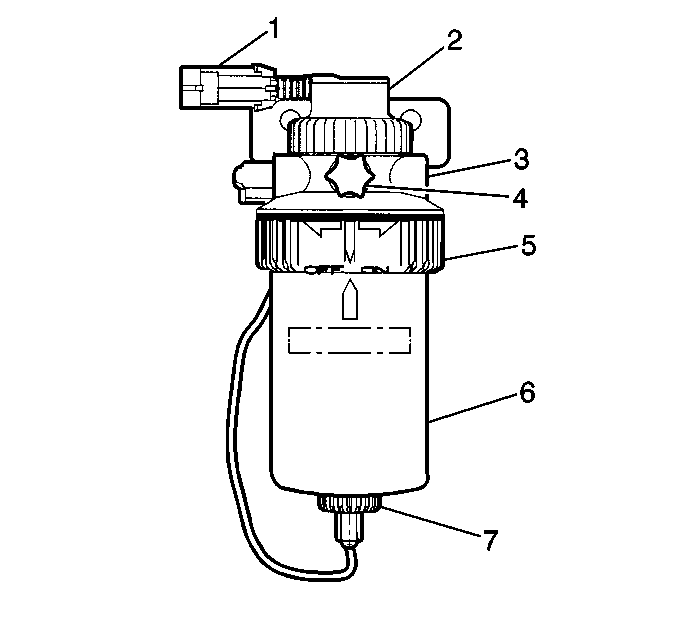
Water in Fuel Indicator Sensor Replacement for Chevrolet Chevy P42 Commercial Chassis 1997
Removal Procedure
- Remove the fuel tank filler cap.
- Remove the protective cover from fuel manager/filter.
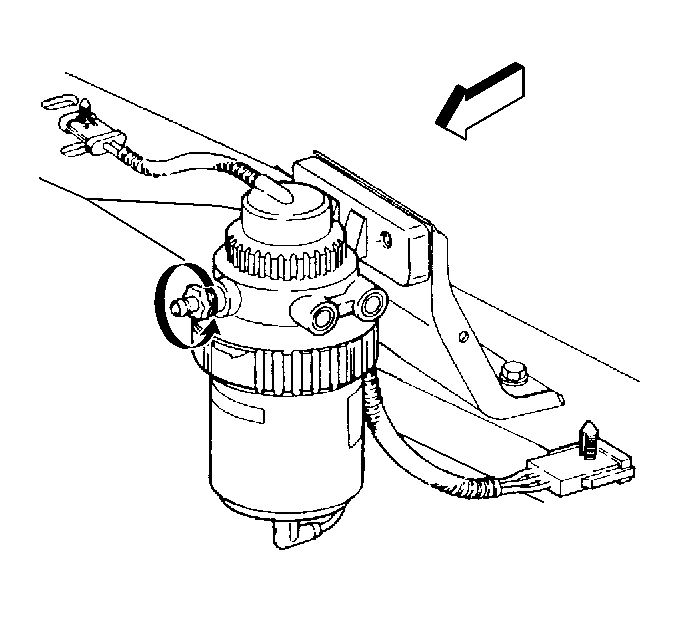
- Open the air bleed valve on top of the fuel manager/filter in order to release any pressure in the fuel supply system.
- Disconnect the sensor wiring connector by pulling straight down.
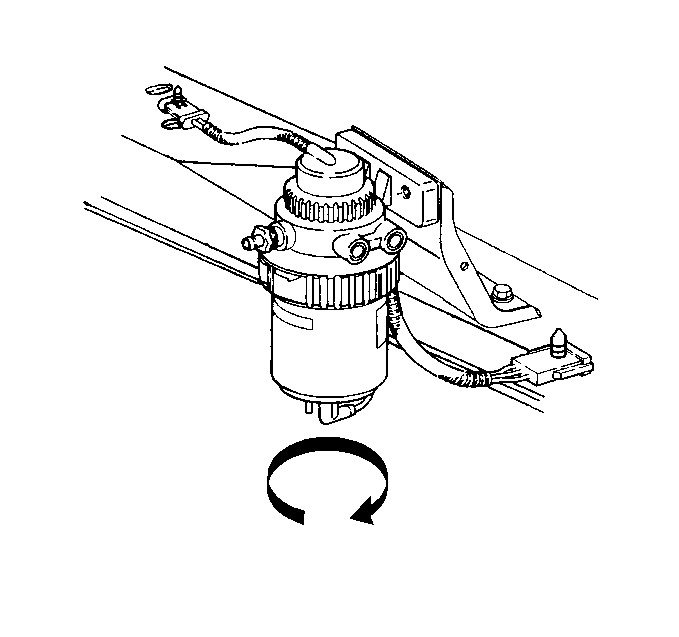
- Remove the water in fuel sensor by turning counter clock wise.
Installation Procedure
- Install the new water in fuel sensor and seal.
- Reconnect the sensor connector.
- Install protective shield.
- Bleed the air from the fuel manager/filter if necessary (Refer to Fuel Supply System Air Bleed .
- Install fuel tank filler cap.