For 1990-2009 cars only
Electronic Brake Control Module Replacement for Chevrolet Kodiak C-Series (Conventional) C6/C7/C8 2005
Removal Procedure
- Disconnect the negative battery cable.
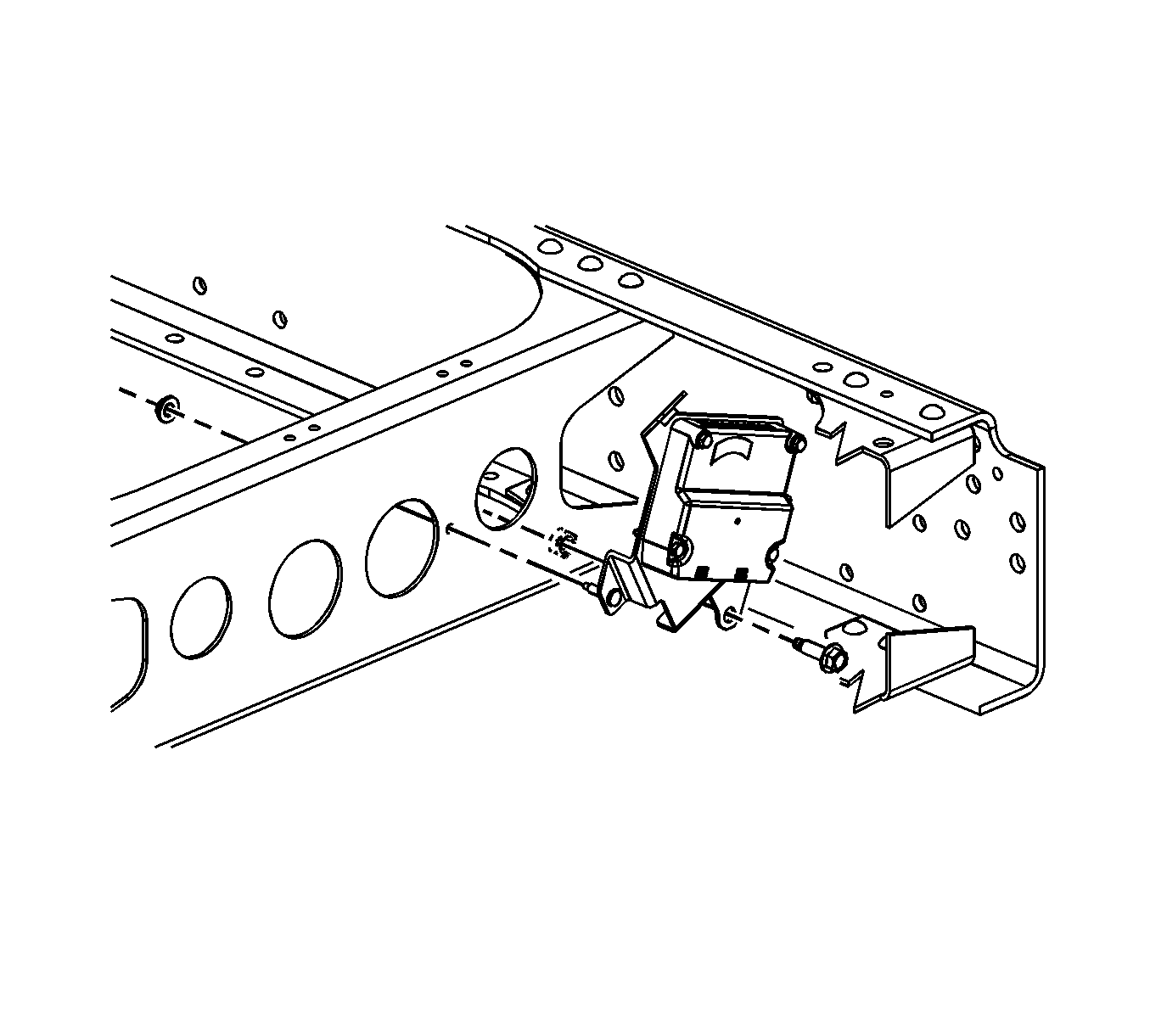
- Remove the electrical connector bolt from electronic brake control module (EBCM).
- Disconnect the electrical connector from EBCM.
- Remove the 4 bolts and 4 washers and remove the EBCM from the bracket.
Caution: Refer to Battery Disconnect Caution in the Preface section.
Installation Procedure
- Install EBCM to bracket.
- Install the 4 EBCM mounting bolts and washers.
- Connect the EBCM electrical connector.
- Install the EBCM electrical connector bolt.
- Connect the negative battery cable.
- Perform the diagnostic system check.
- Refer to Control Module References for programming and setup information.
Notice: Refer to Fastener Notice in the Preface section.
Tighten
Tighten the EBCM mounting bolts to 8 N·m (71 lb in).
Tighten
Tighten the EBCM electrical connector bolt to 2 N·m (18 lb in).
