For 1990-2009 cars only
Rear Seat Entertainment (RSE) System for Chevrolet TrailBlazer - 4WD 2008
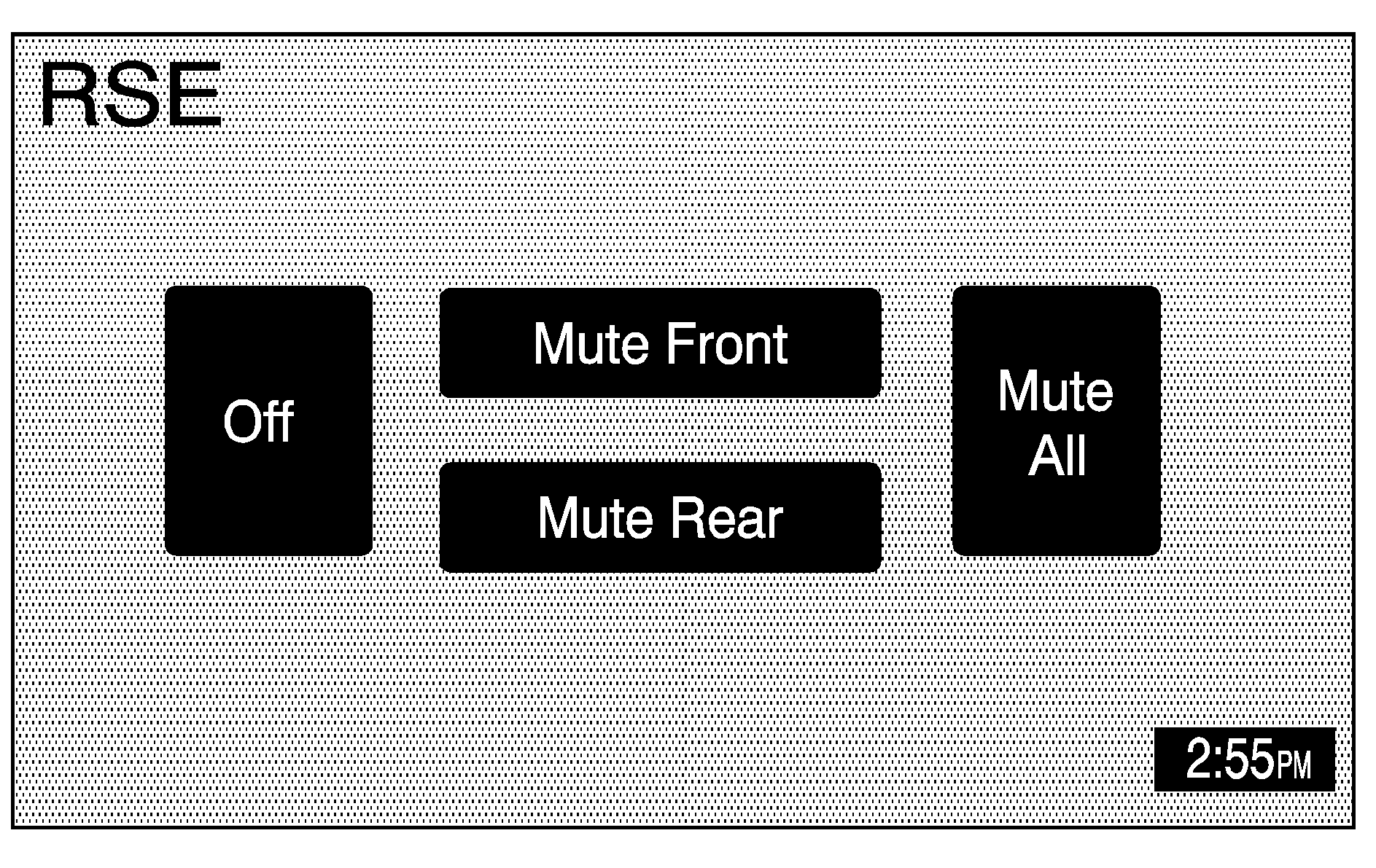
Your vehicle may have a DVD Rear Seat Entertainment (RSE) system. While playing a DVD or audio CD in the RSE, press the CD hard key to view the RSE screen and to switch to DVD as your main audio source. The RSE system will then be heard through all of the vehicle's speakers. From the RSE screen you can mute the Front or Rear speakers, mute RSE entirely, or turn off RSE.
When the RSE system is turned off, you must turn it back on from the RSE system. It cannot be turned back on through the navigation system radio.
RSE Messages
CD ERROR: If this message appears on the navigation screen, the DVD or CD is not being read by the system. The DVD or CD could be dirty, scratched, wet, or upside down. You may also be driving on a very rough road. When the road becomes smoother, the DVD or CD should play.RSE ERROR: If this message appears on the navigation screen, the RSE system is not working properly. See "DVD Messages" under "Rear Seat Entertainment System" in the Index of your vehicle's owner manual for more information.
NO DISC: If this message appears on the navigation screen, the DVD slot is empty. Insert a DVD or CD. The DVD or CD should play.
See "Rear Seat Entertainment System", "Rear Seat Audio (RSA)", "Care of Your CDs and DVDs", and "Care of Your CD and DVD Player", in the Index of your vehicle's owner manual for more information.
