Lamp Replacement - Security Indicator for Chevrolet Venture Ext. 1998
Removal Procedure
- Remove the instrument panel upper trim. Refer to Instrument Panel
Upper Trim in Instrument Panel, Gauges and Console.
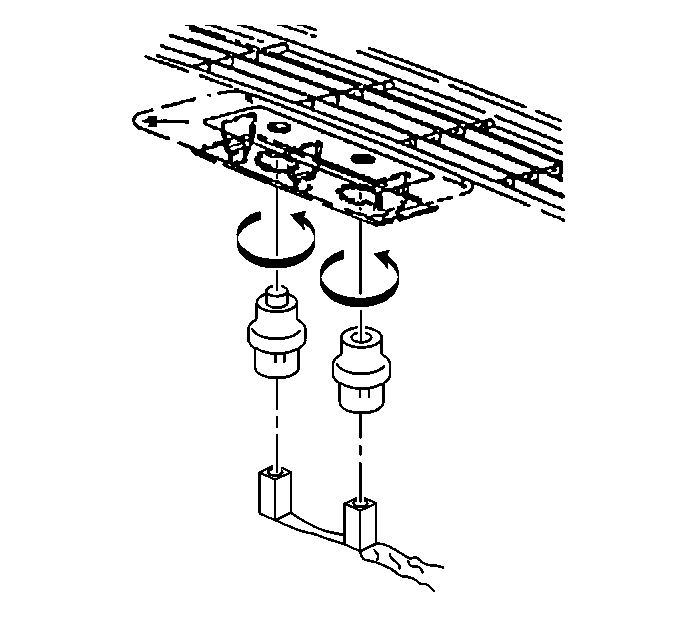
- Remove the security indicator
lamp from the instrument panel upper trim:
| 2.1. | Rotate the lamp counterclockwise to approximately ¼ turn. |
- Disconnect the security indicator lamp electrical connector from
the security indicator lamp.
Installation Procedure
- Connect the security indicator
lamp electrical connector to the security indicator lamp.
- Install the security indicator lamp to the instrument panel upper
trim:
| 2.2. | Rotate the lamp clockwise to approximately ¼ turn. |
- Install the instrument panel upper trim. Refer to Instrument Panel,
Gauges and Console.
