Steering Wheel Controls System Operation for Pontiac Grand Prix 2000
If the vehicle is equipped with the steering wheel controls
feature, the customer can control certain radio and remote playback functions
using the following buttons on the steering wheel:
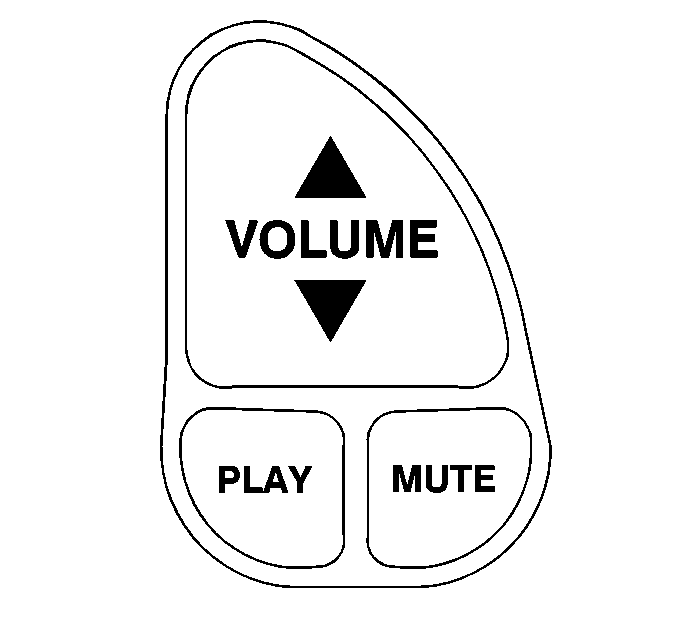
| • | VOLUME--Press the
up or down arrow to increase or decrease the volume. |
| • | PLAY--Press this button in order to play a cassette tape
or compact disc when the radio is playing. |
| • | MUTE--Press this button in order to silence the system. Press
it again or any other radio button in order to turn on the sound. |

| • | SEEK--Press the up
arrow in order to tune to the next radio station and the down arrow in order
to tune to the previous radio station. |
| | If a cassette tape or compact disc is playing, the player will advance
to the next selection with the up arrow and go to the previous selection with
the down arrow. |
| • | PRESET--Press this button in order to play a station that
was programmed on the radio preset buttons. When a cassette tape is playing,
press this button in order to change tape sides. |
| • | AM-FM--Press this button in order to choose AM, FM1 or FM2.
If a cassette tape or compact disc is playing, it will stop and the radio
will play. |
