For 1990-2009 cars only
Body Rear End Panel Replacement for Saturn AURA 2008
Removal Procedure
- Disable the SIR system. Refer to SIR Disabling and Enabling .
- Disconnect the negative battery cable. Refer to Battery Negative Cable Disconnection and Connection .
- Remove all related panels and components.
- Repair as much of the damage as possible. Refer to Dimensions - Body .
- Remove the sealers and anti-corrosion materials from the repair area, as necessary. Refer to Anti-Corrosion Treatment and Repair .
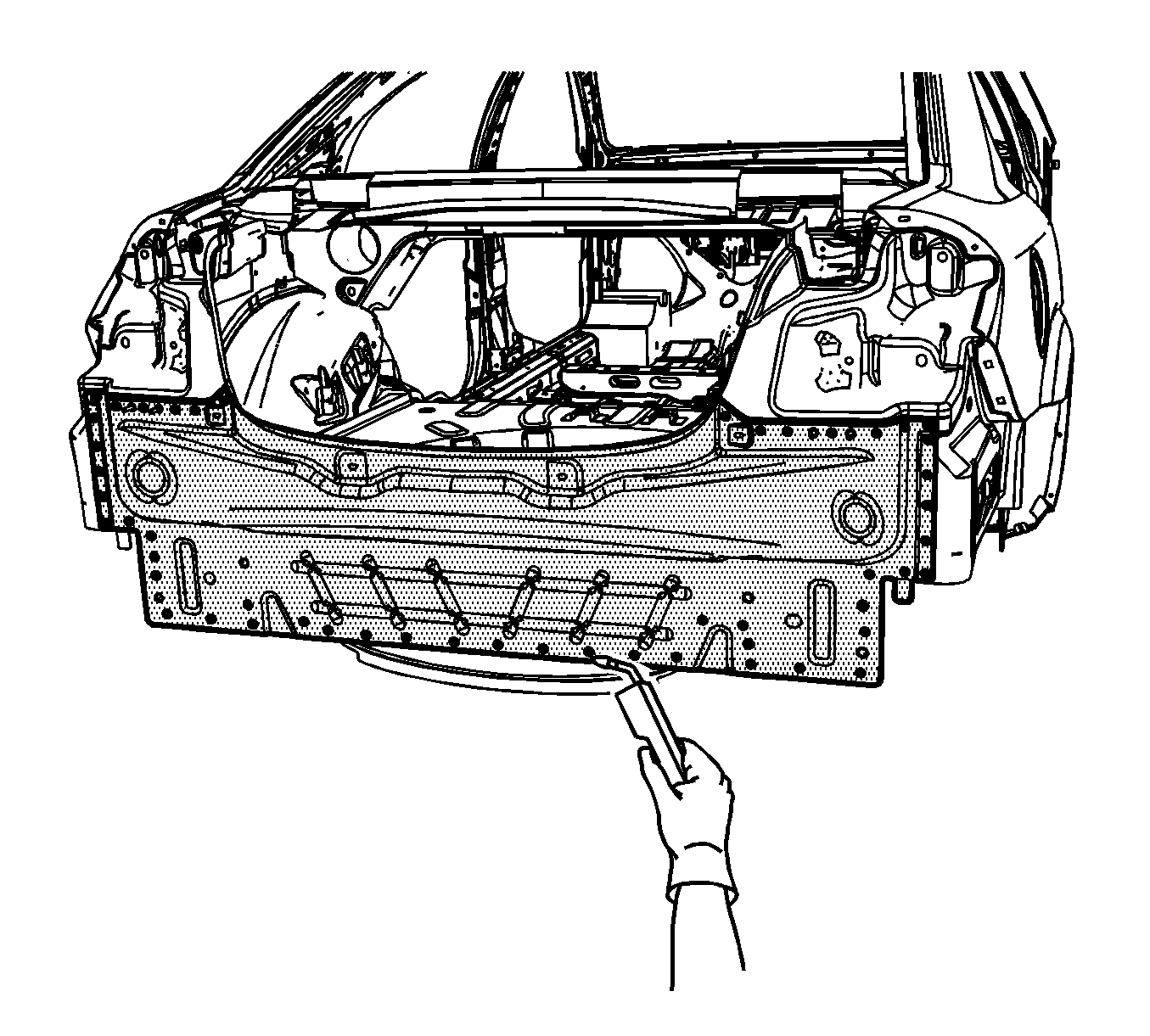
- Locate and drill out all the necessary factory welds.
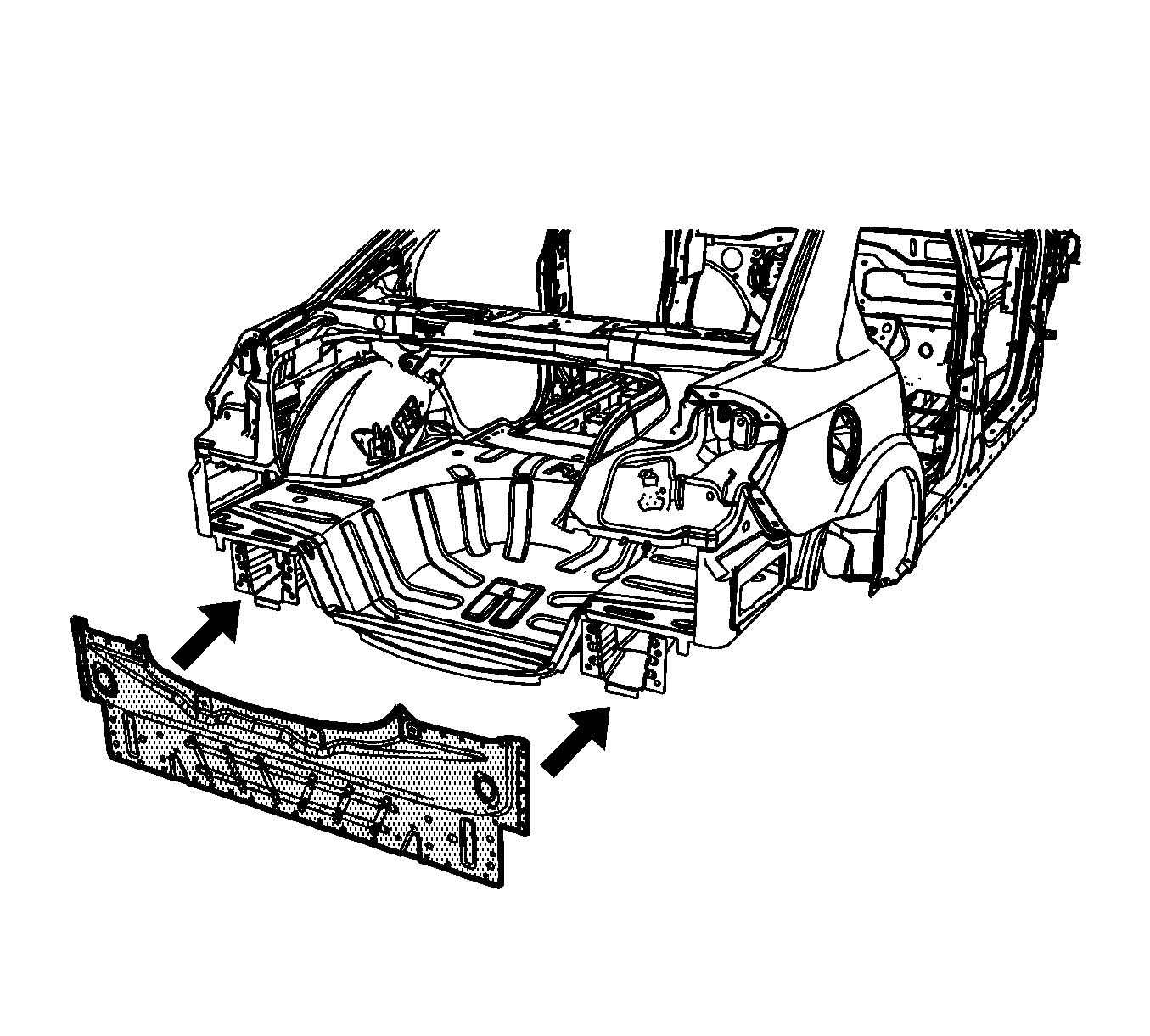
- Remove the rear end panel.
Caution: Refer to Approved Equipment for Collision Repair Caution in the Preface section.
Important: Before beginning the repair, refer to Metal Panel Bonding for proper adhesive applicator preparations and general information.
Important: Note the number and location of the factory welds for installation of the rear end panel.
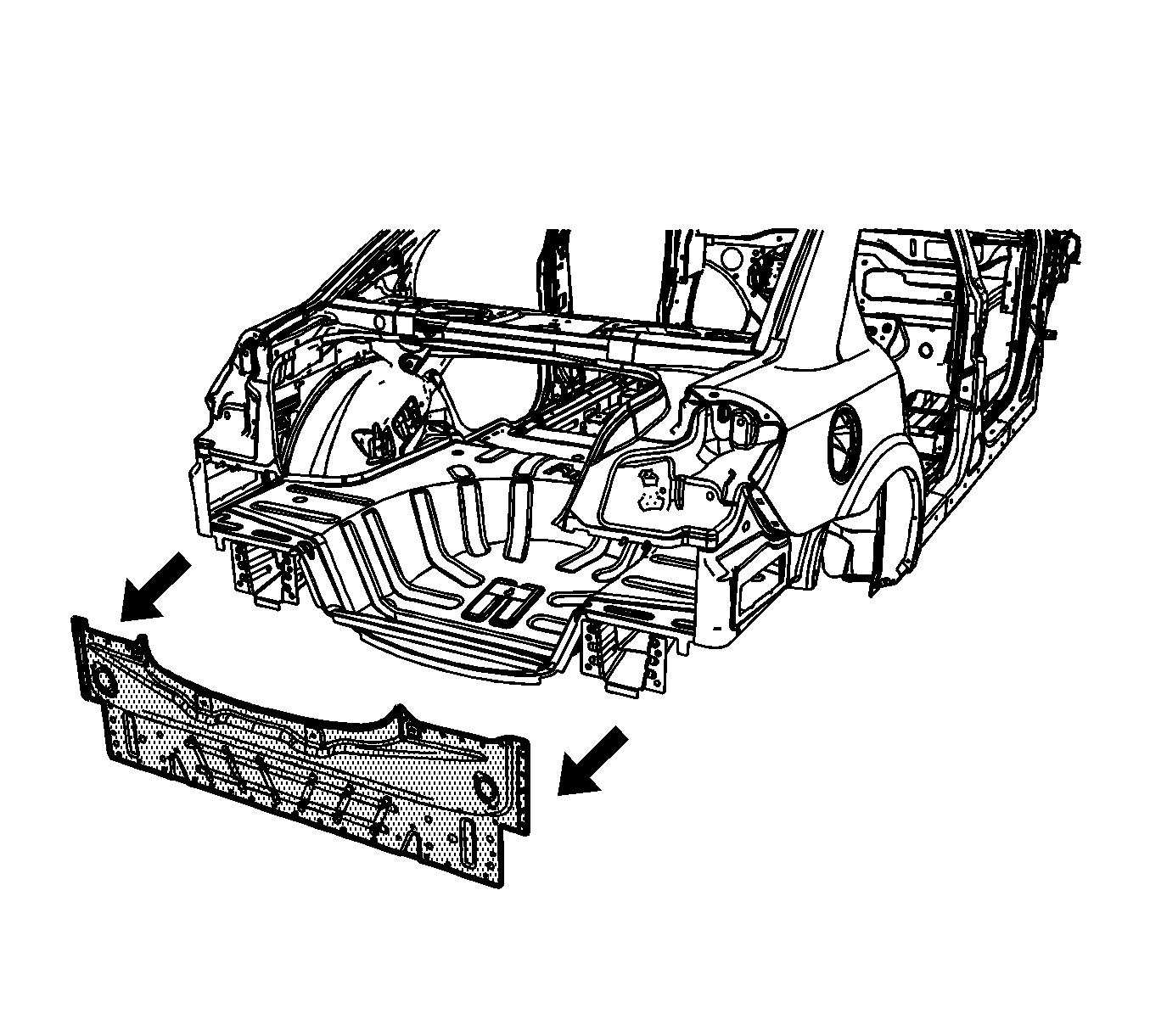
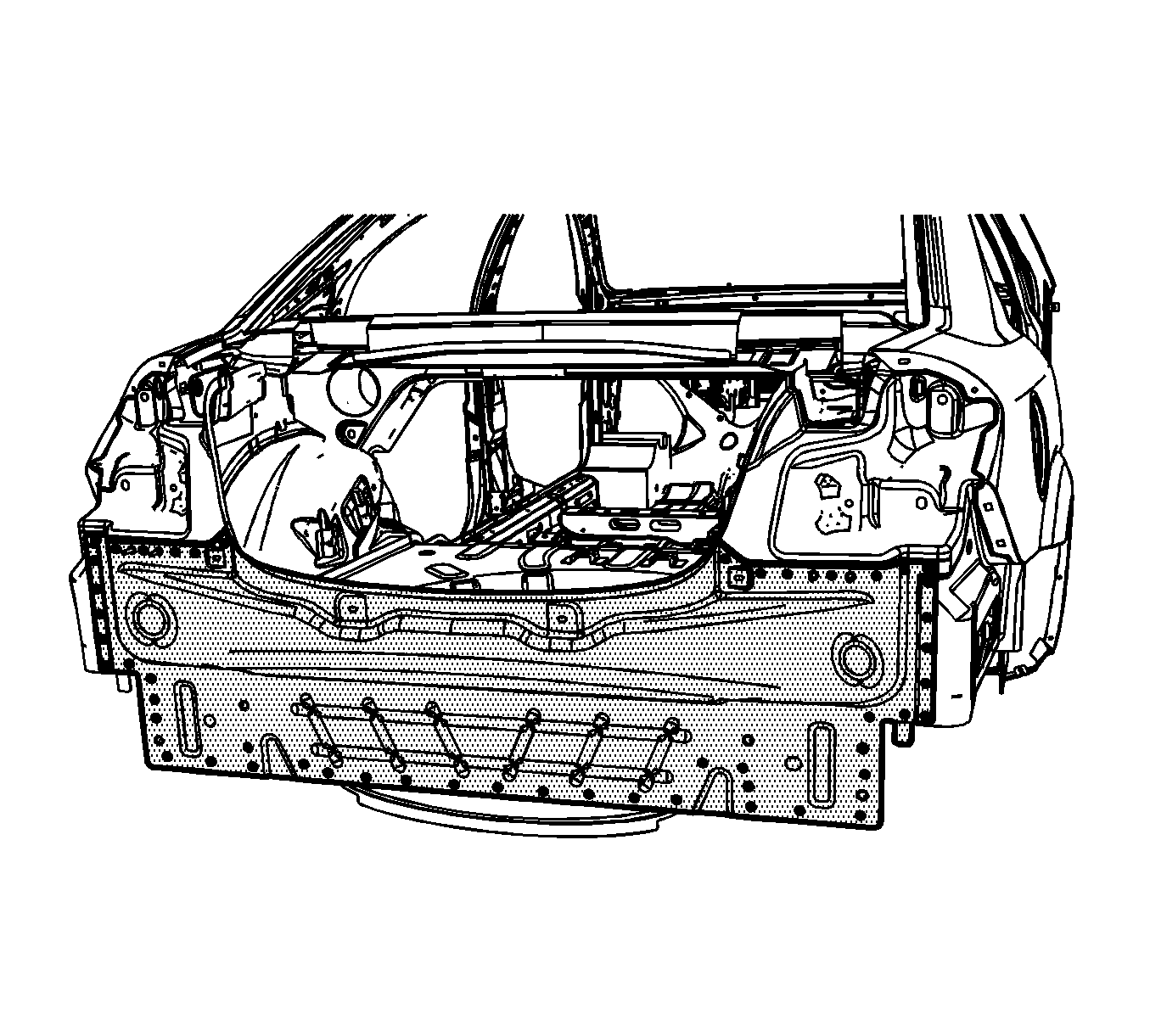
Important: The rear end panel comes complete with reinforceents. The panel is shingled on last for easy access.
Installation Procedure
- Drill 8 mm (5/16 in) plug weld holes in the service part as necessary in the locations noted from the original panel.
- Clean and prepare all mating surfaces as necessary.
- Apply GM-approved Weld-Thru coating or equivalent to all mating surfaces. Refer to Anti-Corrosion Treatment and Repair .
- Position the rear end panel on the vehicle. Use 3-dimensional measuring equipment to inspect the panel.
- Clamp the panel in place.
- Plug weld accordingly.
- Clean and prepare all of the welded surfaces.
- Install all of the related panels and components.
- Apply the sealers and anti-corrosion materials to the repair area, as necessary. Refer to Anti-Corrosion Treatment and Repair .
- Paint the repaired area. Refer to Basecoat/Clearcoat Paint Systems .
- Connect the negative battery cable. Refer to Battery Negative Cable Disconnection and Connection .
- Enable the SIR system. Refer to SIR Disabling and Enabling .
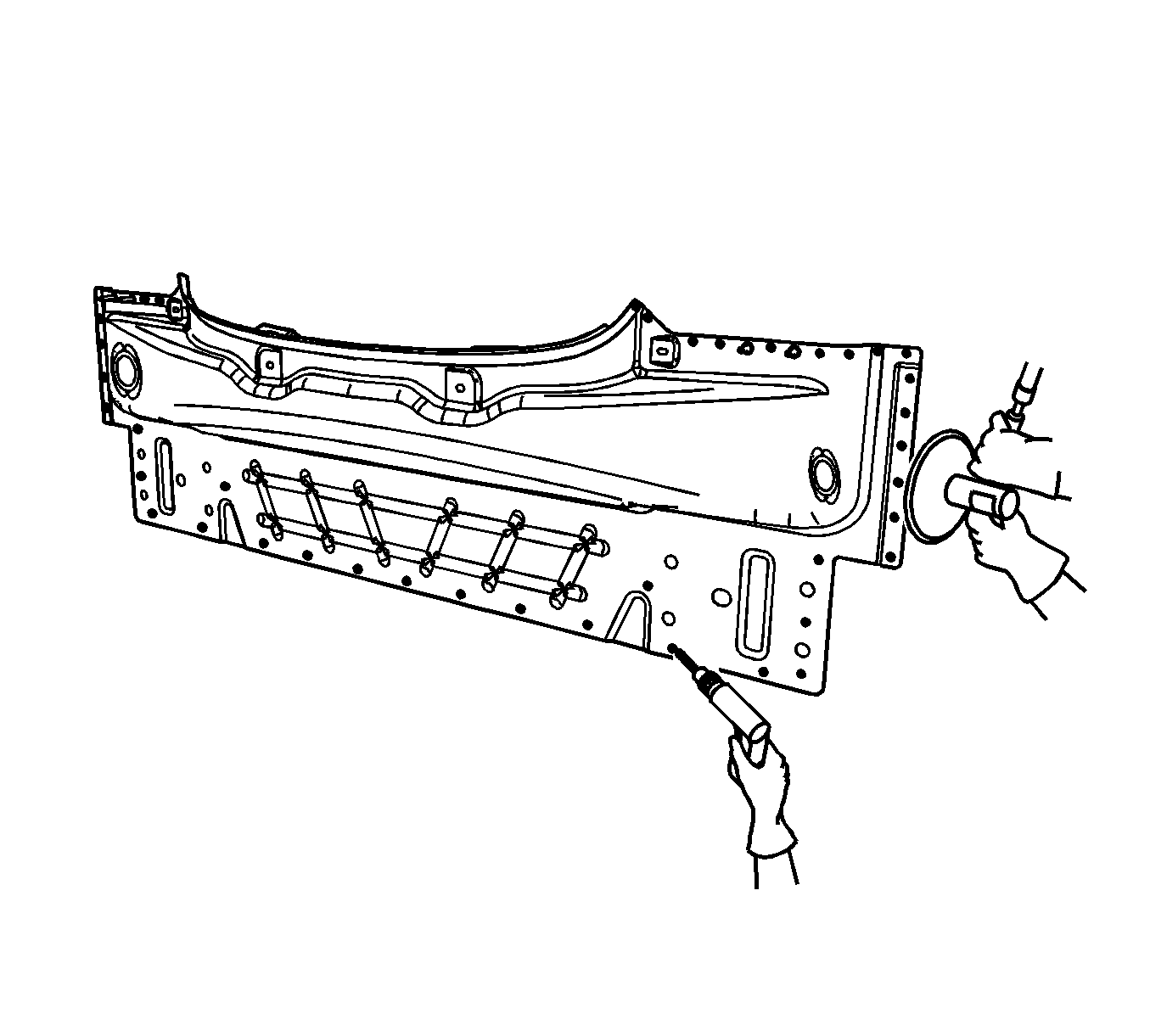
Important: If the location of the original plug weld holes can not be determined, space the plug weld holes every 40 mm (1½ in) apart.
Important: Remove excess weld and sealer