For 1990-2009 cars only
Instrument Panel Accessory Trim Plate Replacement for Saturn ION 2007
Removal Procedure
- Remove the front floor console cup holder assembly. Refer to Front Floor Console Cup Holder Replacement.
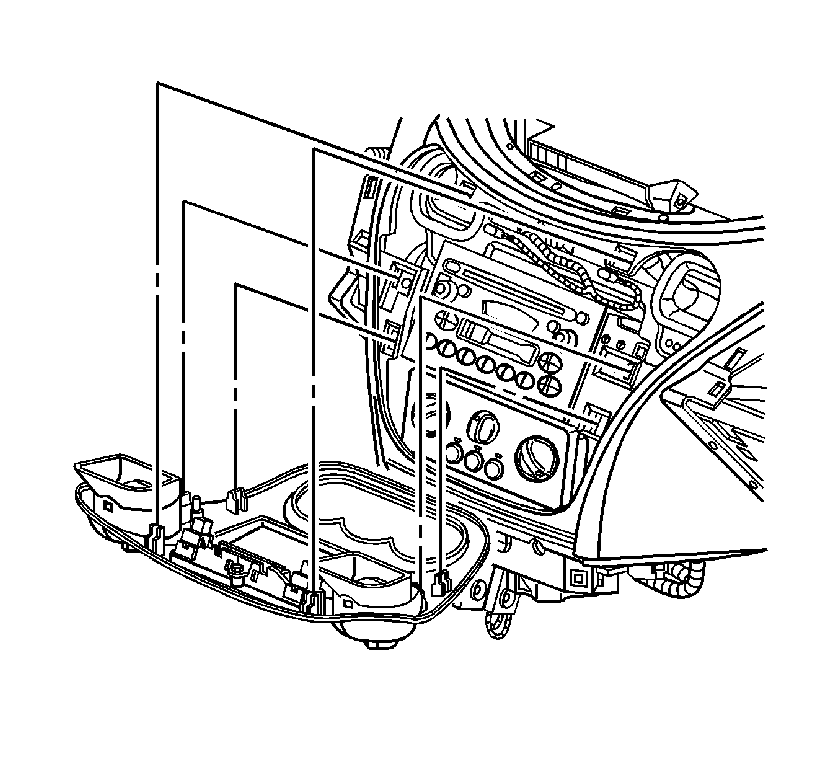
- Pull out on the accessory trim plate in order to release the retaining fasteners.
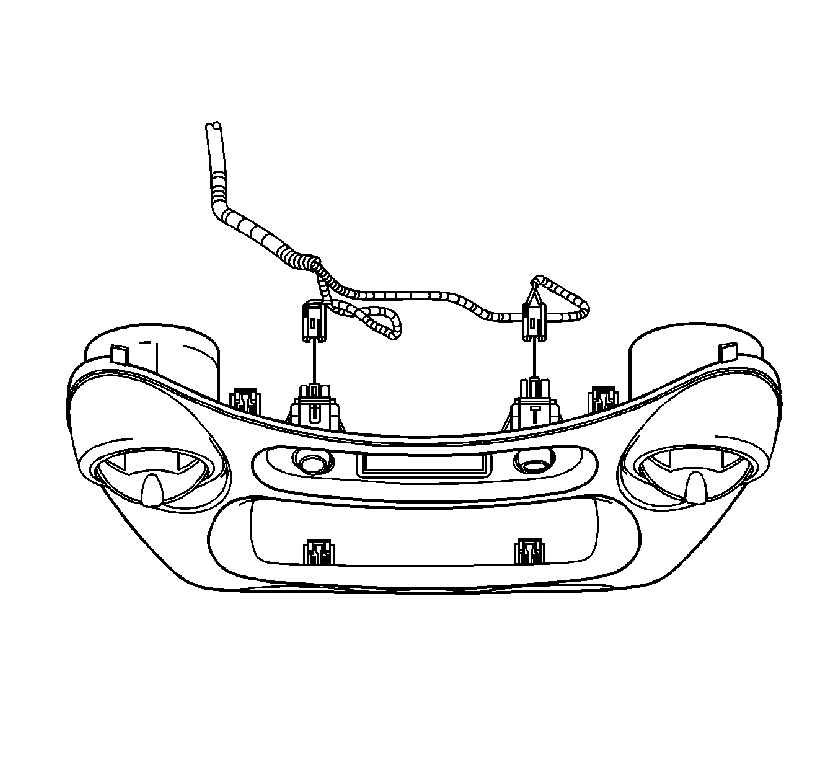
- Disconnect the accessory trim plate electrical connector(s).
Installation Procedure
- Connect the accessory trim plate electrical connector(s).
- Align the retaining fasteners with the I/P.
- Push on the outer edge of the accessory trim plate in order to secure the retaining fasteners.
- Install the front floor console cup holder assembly. Refer to Front Floor Console Cup Holder Replacement.
